What it does
The octave, ready to sit in the mix.
octaver builds the octave track under your vocal by itself. Breaths are cut from the octave, attacks stay sharp. Try −12, −24 and the hi-cut below.
Why it helps
One plugin instead of a routine.
Before
- 1Duplicate the vocal track
- 2Pitch the copy down an octave
- 3Cut every breath out of the copy
- 4Compress, widen and EQ it with three more plugins
Every song, every vocal.
With octaver
- 1Put octaver on the vocal
- 2Choose −12 or −24 and turn MIX
- 3Done. Breaths, compression, width and EQ are handled
Seconds.
Feel it
Made to be touched.
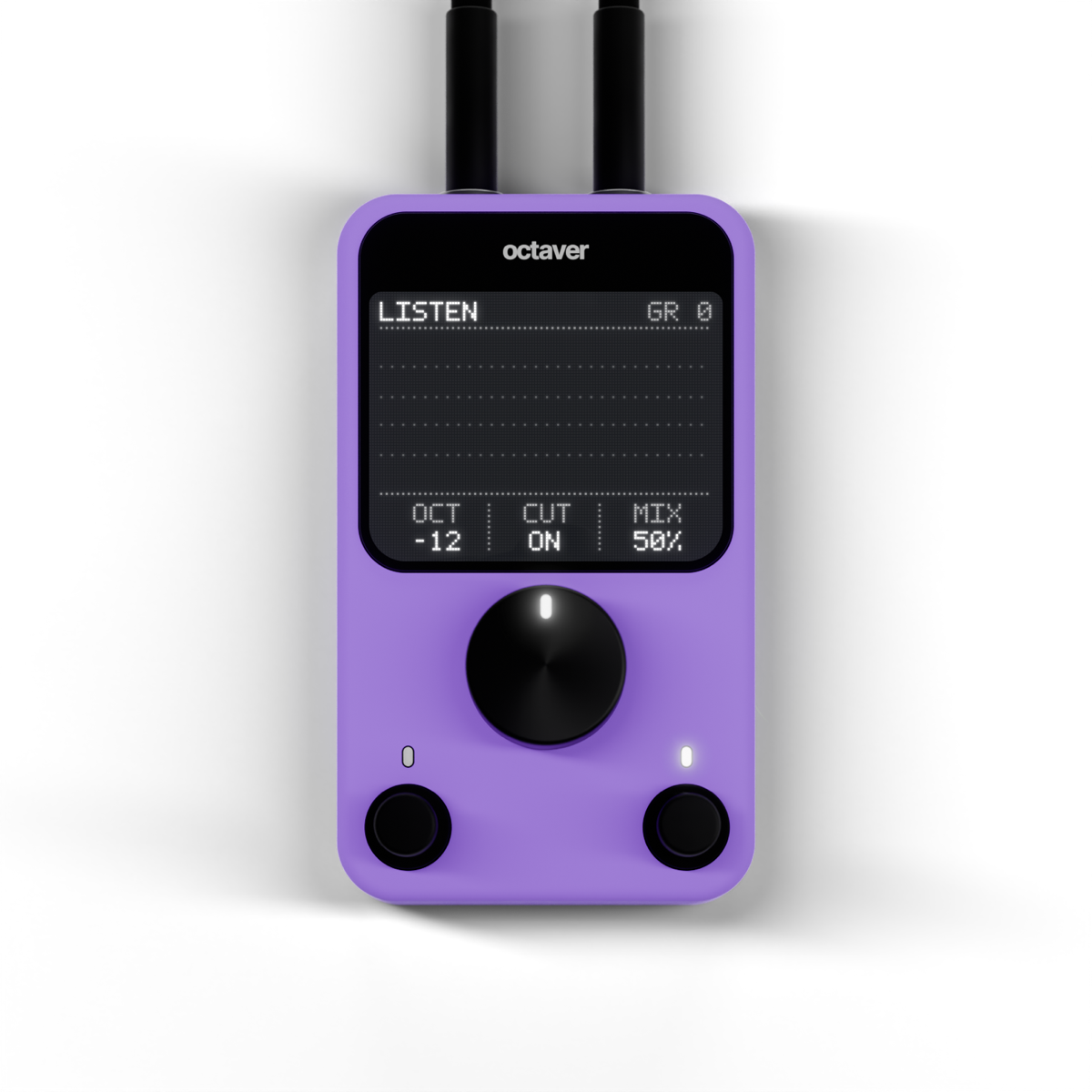
The same tactile body, in violet
This is octaver itself, not a picture. Turn MIX, switch OCTAVE between −12 and −24, light up HI-CUT. The buttons click, glow and sound like hardware, the same as in your DAW, and the screen follows the pitch of the voice and its octave. Click the name on the panel to see About.
Hear it
Before and after.
The same vocal, dry and with octaver on it. The octave sits right under the voice, the breaths stay clean.
Switch while it plays: the position stays, only the sound changes. Click a waveform to jump.
Features
What’s inside.
Shifts the voice period by period, so words stay clear and attacks stay sharp.
One button picks one or two octaves down.
Breaths are cut from the octave only. Your vocal stays untouched.
An opto-style compressor keeps the octave dense and even.
Spreads the octave wide, keeps it centred, and it still holds up in mono.
Rolls off the top so the octave sits under the vocal.
 Hub
HubInstallation
How to install
octaver installs through the YukoDSP Hub, our small free app that keeps all the plugins in one place.
HubGet the free app and drag it to Applications.
Your purchase is tied to your account, on every computer.
Press Install next to octaver, then open your DAW. It’s in your AU and VST3 plugins.
Apple Silicon and Intel
 Next pluginrepeater